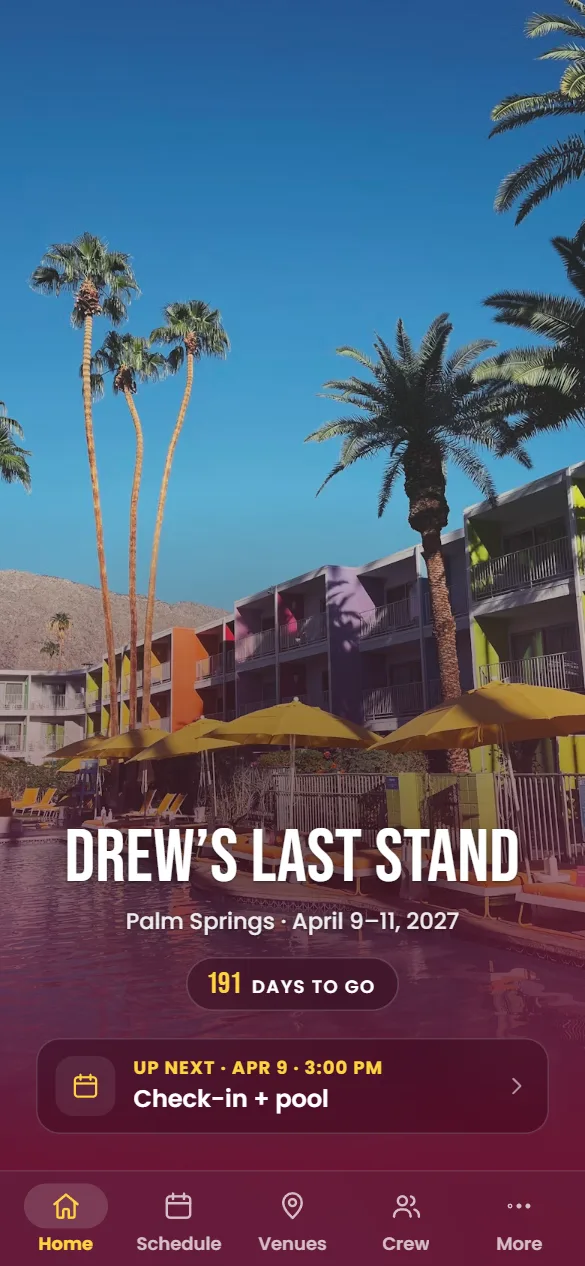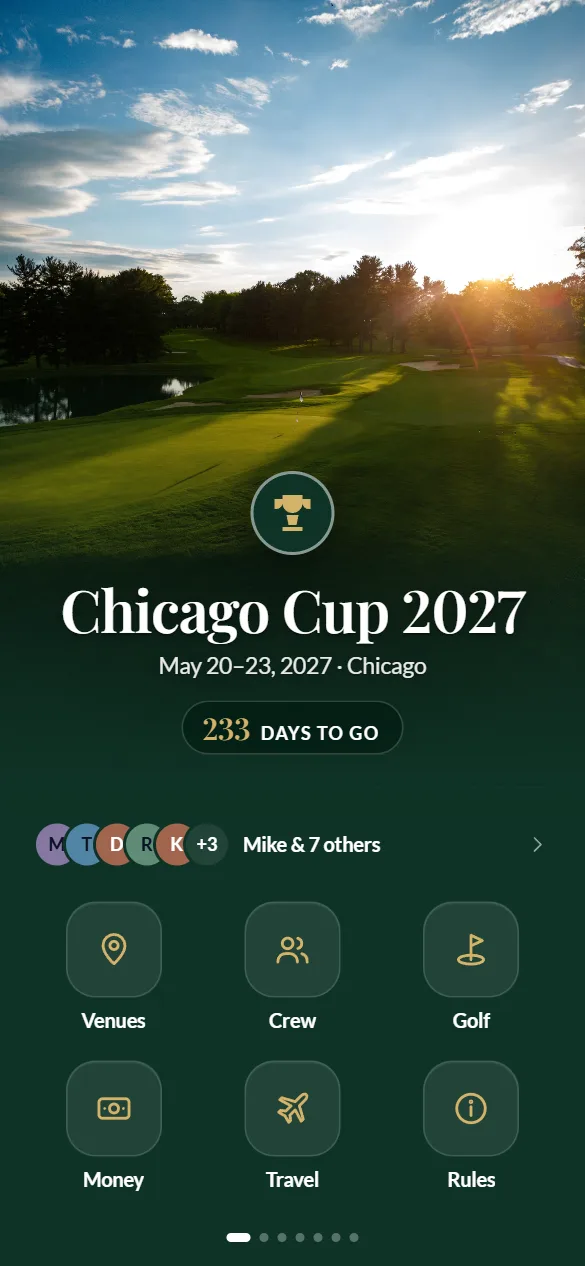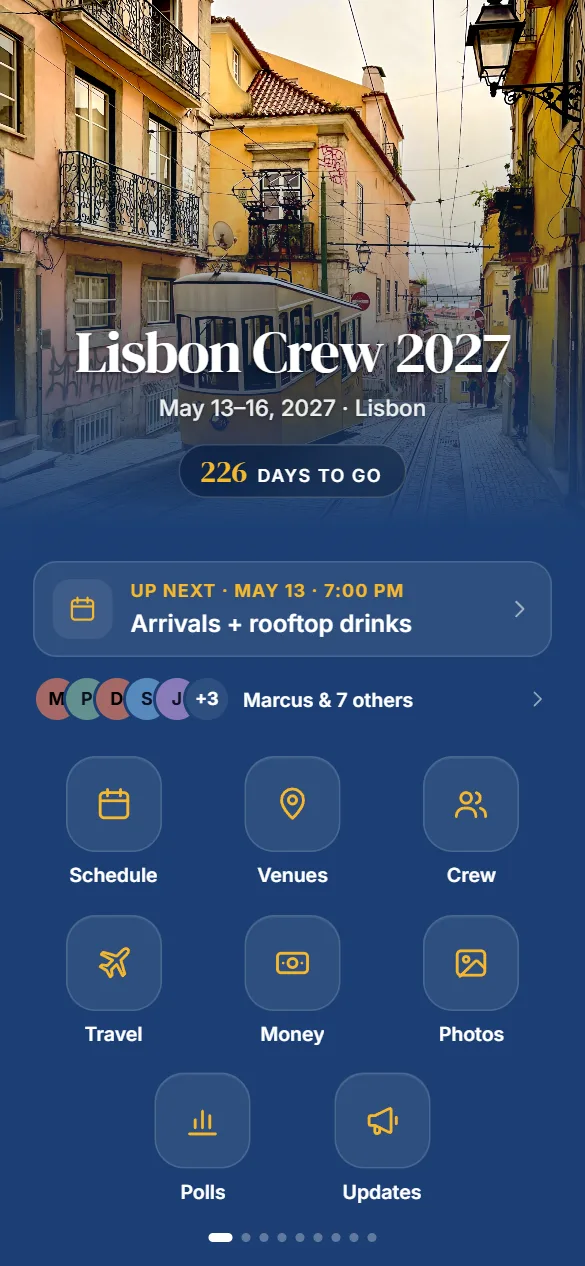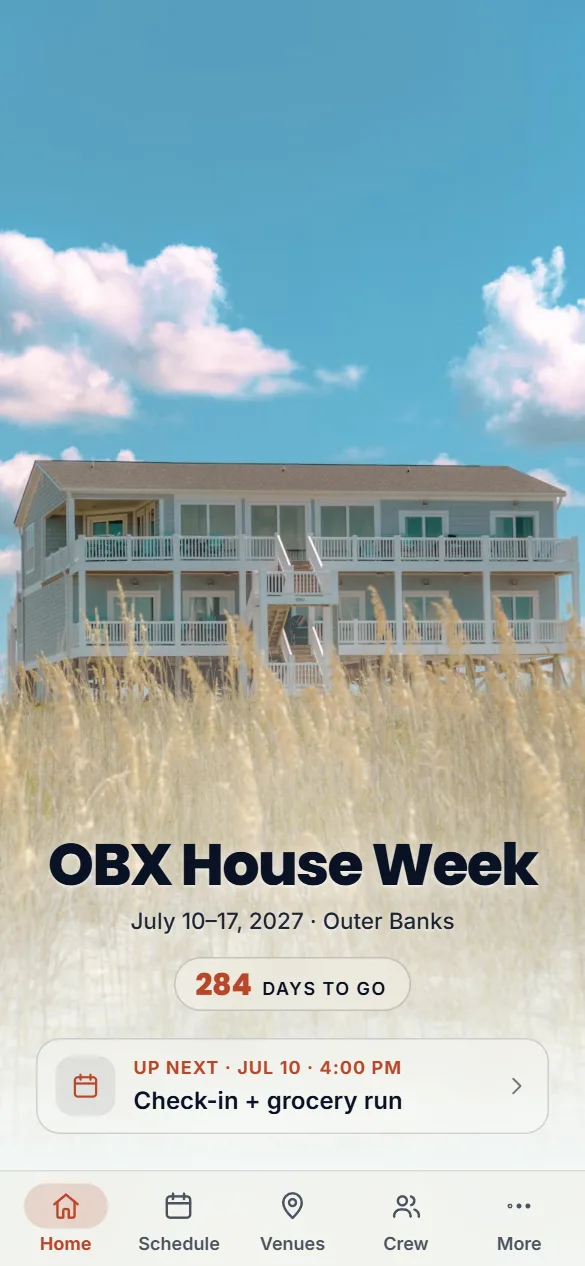
Friend trips
The group trip
Lisbon, Tulum, the beach house. The plan for each day, who lands when, where you’re staying, the running tab and one album for the whole trip.
Start a trip appTrip apps for friend groups
The plan, the crew, who owes who and every photo, in a private app with your trip’s name and colors. Friends just tap a link. Start from a template, or paste your group chat and our AI builds it for you.
Free during the beta · No download for your friends
Invite only for now: starting an app takes a beta code. Ask for one
How it works
Start from a template or let Monty draft it, make the calls, and send your friends one link.
Step 1
Pick a template for your kind of trip, or paste the group chat (an export, screenshots or copied messages) and Monty pulls out the trip name, the dates, the crew and the plans you’ve already made.
Step 2
Change the photo, colors and fonts, add or drop modules and fix anything by hand. The phone preview updates as you go, and a QR code puts it on your own phone.
Step 3
When it looks right, create your account and launch. It’s free during the beta. Drop the link in the group chat: friends open it in their browser, pick their name and they’re in.
What’s inside
Monty suggests a set of modules for your trip. Add, remove or reorder any of them in the builder.
Day-by-day plan with times in the trip’s time zone. One tap adds it to your calendar.
Settle Friday night in two taps. RSVPs, deadlines and custom options.
Log shared costs, see who owes who and settle up with Venmo or Cash App links. Side bets optional.
One shared album for the whole trip that everyone can add to.
Photos, roles and short bios for everyone on the trip.
Everyone adds when they land. The app builds the arrivals board and groups who can share a ride.
Where you’re staying and where you’re headed, with addresses and directions.
Every place on one map. Friends can drop a pin where they are, for an hour or up to a day.
A shared checklist with owners and due dates, so someone actually books the boat.
Announcements from the organizer, with replies.
Trip name, dates, photo and a countdown.
House rules, packing list, dress code, the door code.
Tickets, booking confirmations and waivers in one place.
The trip playlist on Spotify, Apple Music or YouTube Music, plus song requests guests can upvote.
Courses, rounds, net match play and a live team scoreboard.
Baseball, brackets and closest‑to‑the‑pin.
Made for
Start from a template or let Monty pick. Every app gets only the modules your trip needs.
Friend trips
Lisbon, Tulum, the beach house. The plan for each day, who lands when, where you’re staying, the running tab and one album for the whole trip.
Start a trip appBachelor & bachelorette
Every night out on the schedule, polls for the big calls, a tab for the house and the side bets, and every photo in one place.
Start a weekend appGolf weekends · Beta
Courses, rounds, pairings and a live scoreboard the whole group can follow, plus side games like baseball and closest‑to‑the‑pin.
Start a golf trip appFor your friends
No App Store, no account, no password to forget. On iPhone or Android they can add it to their home screen in a couple of taps, so it opens like any other app.
Keep it private with a code, or send each friend a personal invite link.
Pricing
Free to design and preview, pay when you launch. During the beta, launching is free too.
Your friends pay $0
Free
$39 USD per trip after the beta · paid once by the organizer
A private app at a link like crested.app/e/lisbon-crew, with your trip’s name, photo and colors and only the modules you picked. It opens in any phone browser: they pick their name and they’re in. No download, no account. They can add it to their home screen so it opens like an app.
No. Start from a template and fill it in yourself, or let Monty draft it and edit from there. Every module works the same either way.
Anyone who has the link, so share it with your crew. Add a code for an extra lock, or send each friend a personal invite link. We ask search engines not to list trip apps, and you can take yours offline or delete it, with all its photos and data, from your dashboard.
No. It’s the fastest way to start if the plans are already in a chat, but you can describe the trip to Monty in a sentence, or pick a template and fill it in yourself.
Monty, our AI concierge, is built on Anthropic’s Claude. What you attach is sent to Anthropic so Monty can draft your app, and screenshots are deleted once Monty has read them. We don’t keep your Monty conversation on our servers, and your friends never see the chat, only the app you launch. The details are in our Privacy Policy.
Designing, previewing and launching are all free during the beta. After the beta, launching a trip app will cost $39, paid once by the organizer, and your friends never pay. If you launch during the beta, we’ll tell you before any fee applies to that app (see our Terms).
For now, yes. Crested is in a closed beta, so starting an app takes the beta code from an invite. No code yet? Email hello@crested.app and ask for one. Your friends never need one to join the app you send them.
Times in the app are shown in the trip’s time zone, so a 1:00 PM tee time says 1:00 PM whether you’re flying in from New York or already there. Adding the itinerary to your calendar keeps it right too.
Into one shared album inside the app. Each photo is resized on the phone before it uploads, which also strips embedded data like GPS location (animated GIFs, and any photo a phone can’t process, upload as they are). Friends can delete their own photos, you can remove any of them, and deleting the app deletes every photo with it.
Yes. Edit anything in the builder and launch again. Friends see the changes the next time they open or refresh the app.
Until you take it offline or delete it, so the photos and the tab are still there after the trip. If we ever need to retire apps that haven’t been used in a long time, we’ll email you at least 30 days ahead so you can save what you want (see our Terms).
Your next trip
Free to design, preview and launch during the beta.